
 +91 95144 51062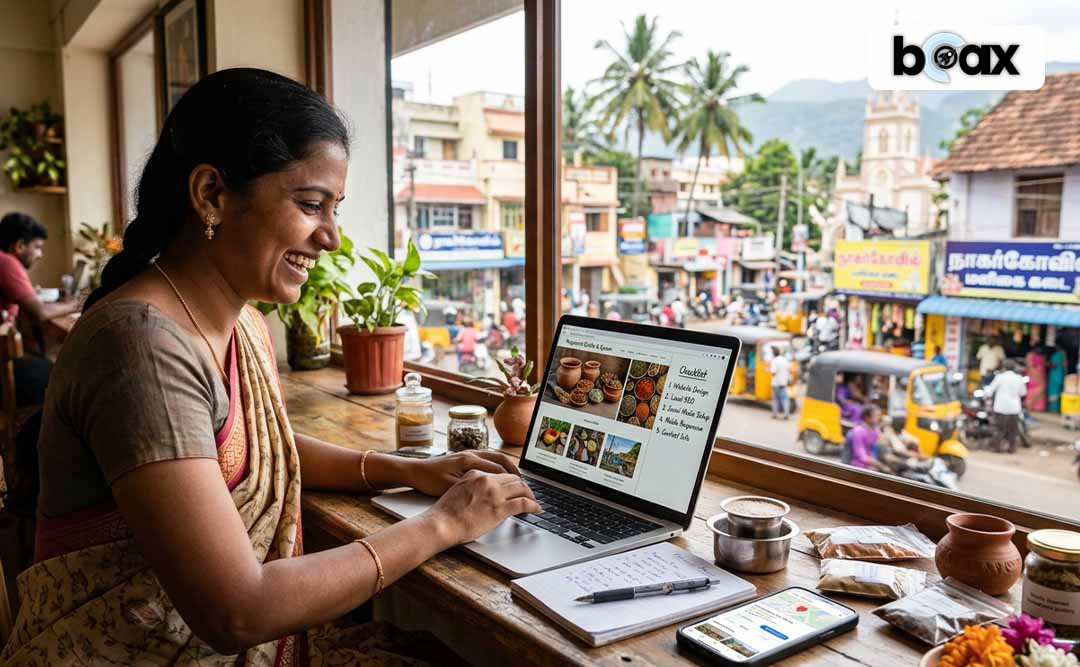
Starting a business in Nagercoil? Your website should be on the list too.
Before you get busy with customers, products and promotions, take a few minutes to think about your online presence. A simple website can help people understand what you offer, find your location and know how to contact you.
You don’t need a complicated website to get started. If you’re looking for Web Designing Services in Nagercoil, here’s a simple checklist to help you build a website that covers the things your customers actually need.
1. Start With a Clear Home Page
When someone opens your website, they should understand your business within a few seconds.
Don’t make them guess.
If you sell dresses, tell them that. If you provide saree pleating, say it clearly. If you run a bakery, show what you make.
Your business name, what you do and how customers can reach you should be easy to find.
A simple home page is often more useful than one filled with fancy animations.
2. Tell People What You Offer
Don’t assume your customers already know everything about your business.
Make a clear list of your products or services.
If you’re running a beauty business, mention the services you provide. If you’re selling products, show the main categories. If you offer different packages, explain what each one includes.
A visitor shouldn’t have to message you just to ask, “What exactly do you provide?”
Your website should answer that for them.
3. Put Your Location on the Website
If you’re running a local business, don’t hide where you are.
Mention your Nagercoil location clearly.
You can add your address, Google Maps location, nearby landmark and business hours if needed.
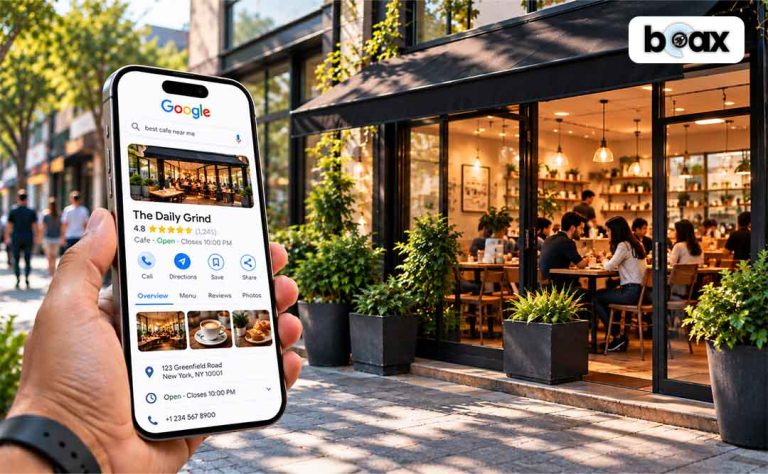
This is especially useful when someone finds you through Google and wants to know whether you’re close enough to visit.
4. Make Contacting You Easy
Don’t make customers search everywhere for your phone number.
Keep your contact details easy to spot.
Add your phone number, email if needed and a WhatsApp option. You can also include a simple enquiry form.
Someone may like what they see but have one question before buying. If contacting you feels difficult, they may simply leave.
Make the next step simple.
5. Use Your Own Photos
If you already have good pictures of your products or work, use them.
If you sell dresses, show your dresses.
If you make cakes, show your cakes.
If you provide saree pleating services, show your actual work.
Real photos help customers understand what you’re offering and make the website feel like your business, not a template.
6. Don’t Ignore Your About Page
You don’t need to write your entire life story.
Just tell people who you are, what your business does and why you started it.
If you’ve been serving customers in Nagercoil for years, mention it.
If you started from home and slowly grew, share that too.
A short and honest introduction can make your business feel more personal.
7. Check the Mobile Version
This one is really important.
Most people will probably open your website on their phones.
Maybe they found you on Instagram. Maybe someone sent them your link on WhatsApp. Maybe they searched for you on Google.
So don’t only check how the website looks on a laptop.
Make sure the text is easy to read, buttons are easy to tap and photos don’t break the page.
If customers have to pinch and zoom just to find your phone number, something needs fixing.
8. Think About Google
You aren’t creating a website just to send the link to your friends.
You also want new customers to find you.
Your website should clearly explain what your business does and where you serve customers.
For a local business, mentioning your services and Nagercoil naturally can help Google understand what your business is about.
A professional Website Development Company in Nagercoil can also help with the technical side and basic SEO setup.
Just remember that having a website doesn’t automatically put you at the top of Google. SEO takes time.
9. Add Genuine Reviews
If people have already bought from you, let new customers know what they thought.
A few genuine reviews can help visitors feel more comfortable choosing your business.
Keep them real and short.
You don’t need a whole page filled with exaggerated claims. A few honest customer experiences are much more useful.
10. Don’t Make It Complicated
Here’s something worth remembering:
More doesn’t always mean better.
You don’t need every feature you see on another company’s website.
You probably don’t need ten pop-ups or complicated animations everywhere.
Start with what your customers actually need.
You can always add more later.
What About the Cost?
This is probably one of your first questions.
“How much will this cost me?”
A simple business website won’t have the same cost as a large e-commerce website with hundreds of products and online payments.
If you’re just starting out, begin with the basics.
Get your business information, services, photos, location and contact options online.
Then improve the website as your business grows.
Your First Website Doesn’t Have to Be Perfect
Your business will change.
Your products may increase. Your services may change. You might even change your branding later.
That’s normal.
So don’t wait until everything is perfect before creating your website.
Start with what you know today and improve it as you go.
And if you’re looking at low cost Web Design Nagercoil, don’t choose only because the price is low. Check what you’re actually getting and whether the website will work properly for your business.
Your Simple Website Checklist
Before launching, quickly check:
☐ Is your business name clear?
☐ Can visitors understand what you offer?
☐ Are your products or services easy to find?
☐ Is your Nagercoil location mentioned?
☐ Can customers contact you easily?
☐ Are your photos clear and genuine?
☐ Does the website work properly on mobile?
☐ Have you added genuine customer reviews?
☐ Is the website easy to navigate?
☐ Have you considered basic SEO?
If you’ve ticked most of these, you’re already on the right track.
Ready to Build Your Business Website?
You don’t have to wait until your business becomes big to build a proper online presence. BOAX helps small businesses in Nagercoil create professional websites at affordable prices, with practical options for businesses that are just getting started or ready to grow. From design and development to the features your customers actually need, the focus is on keeping things simple, useful and budget-friendly. If you’re looking for a local team to turn your business idea into a website without making the process complicated, BOAX can help you get started.